In development
A till a small shop can actually run. It lives on a small computer in the shop, so the counter keeps working when the internet drops. The six below are the real thing, not screenshots — open one and use it.
Every one of these is a working point-of-sale system, live in your browser — barcodes, modifiers, split payments, kitchen screens, stock and receipts all work. And every one was built around the way its own shop runs: the words on the buttons, how the tax is worked out, what the receipt has to say. Open a few and you will see how differently they behave.
A shop counter, not a kitchen. Scan a barcode and stock moves with the sale. Apparel sizes and colours are separate SKUs, and the currency switches between NZD and yen.
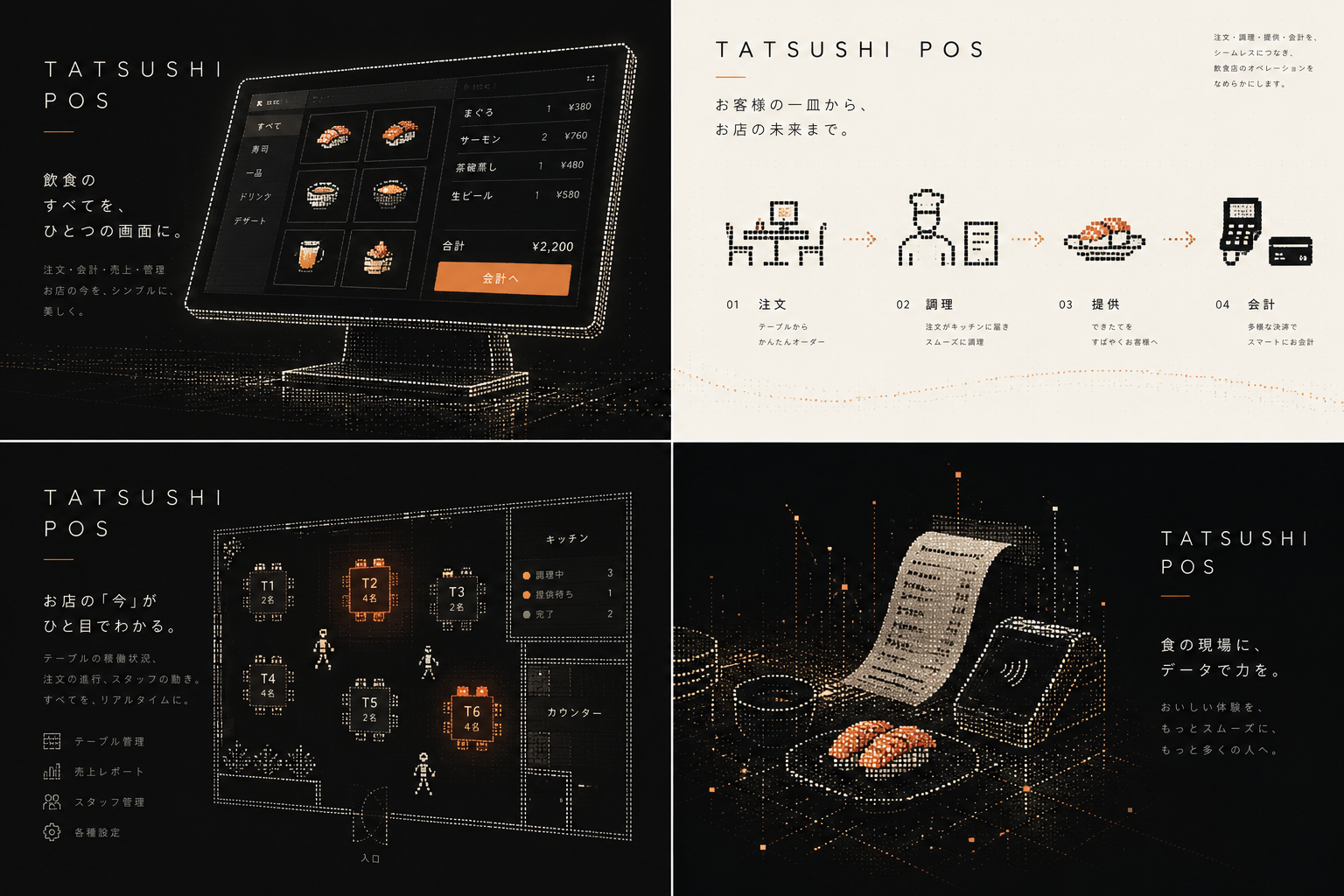
A till built for Japan, in Japanese throughout. Tax follows the order: 8% for takeaway food, 10% for eating in — and beer stays at 10% either way. Receipts can print as a qualified invoice, with the registration number and a per-rate breakdown, switched on and off in settings.
Skewers, sashimi and a long drinks list — plus a customer tablet: guests order from photos at the table and staff approve before it hits the kitchen.
A counter that turns over fast. Deep modifiers — wasabi, soy, cut, add-ons — and two make screens splitting cold work from hot.
An 8am coffee rush, then lunch. Baristas, milk and shot options, and a bar screen built around the order the drinks actually come out in.
Order from a phone by scanning the QR code. Staff accept the order, reserve stock and send it to the kitchen. Customers pay at the counter when collecting their food.
Manager sees everything; a chef sees only the make screens.A project in progress, not a product on sale yet. The demos above are updated as the work goes, and the rest is being filled in through the rest of the year.